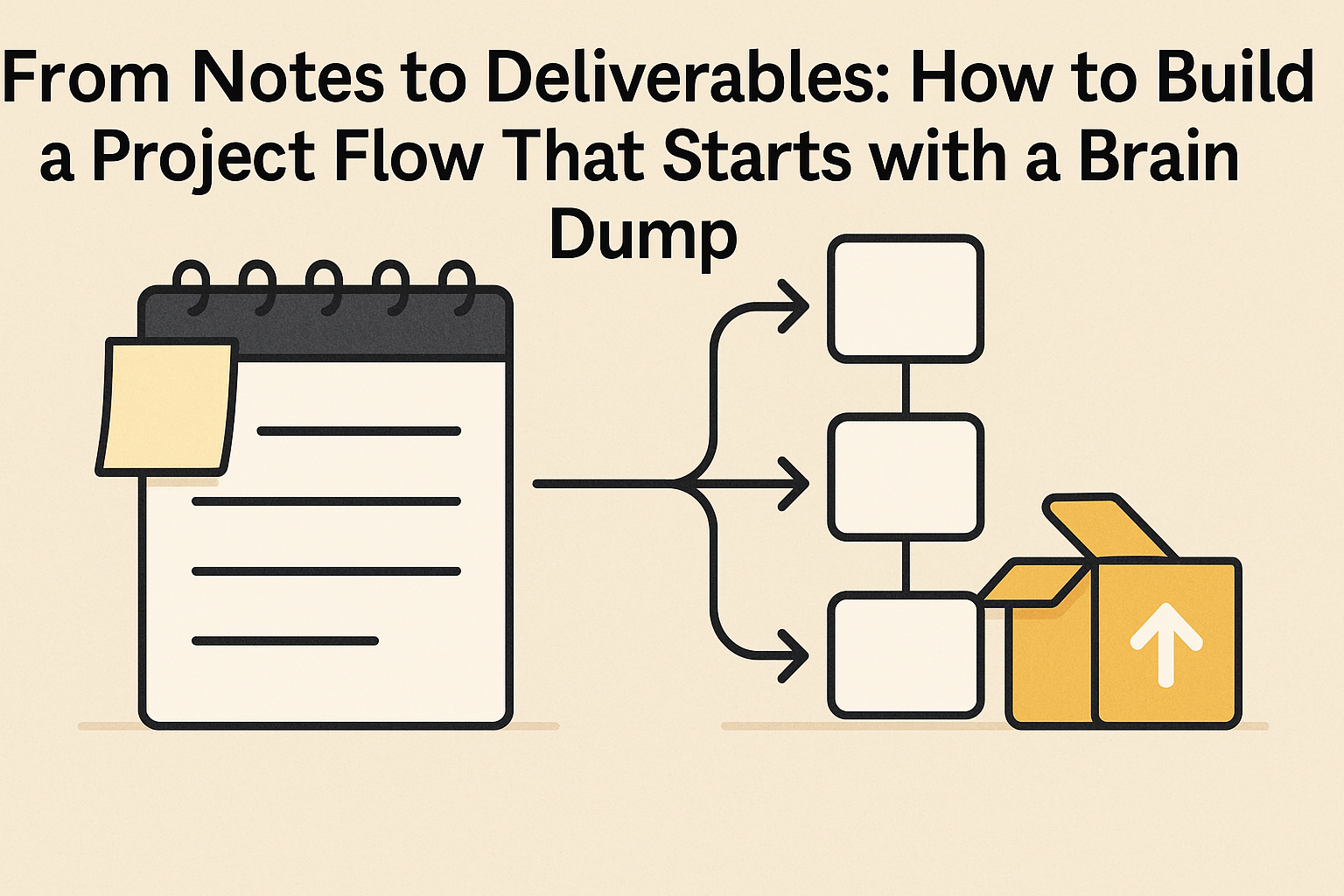
From Notes to Deliverables: How to Build a Project Flow That Starts with a Brain Dump
At a glance
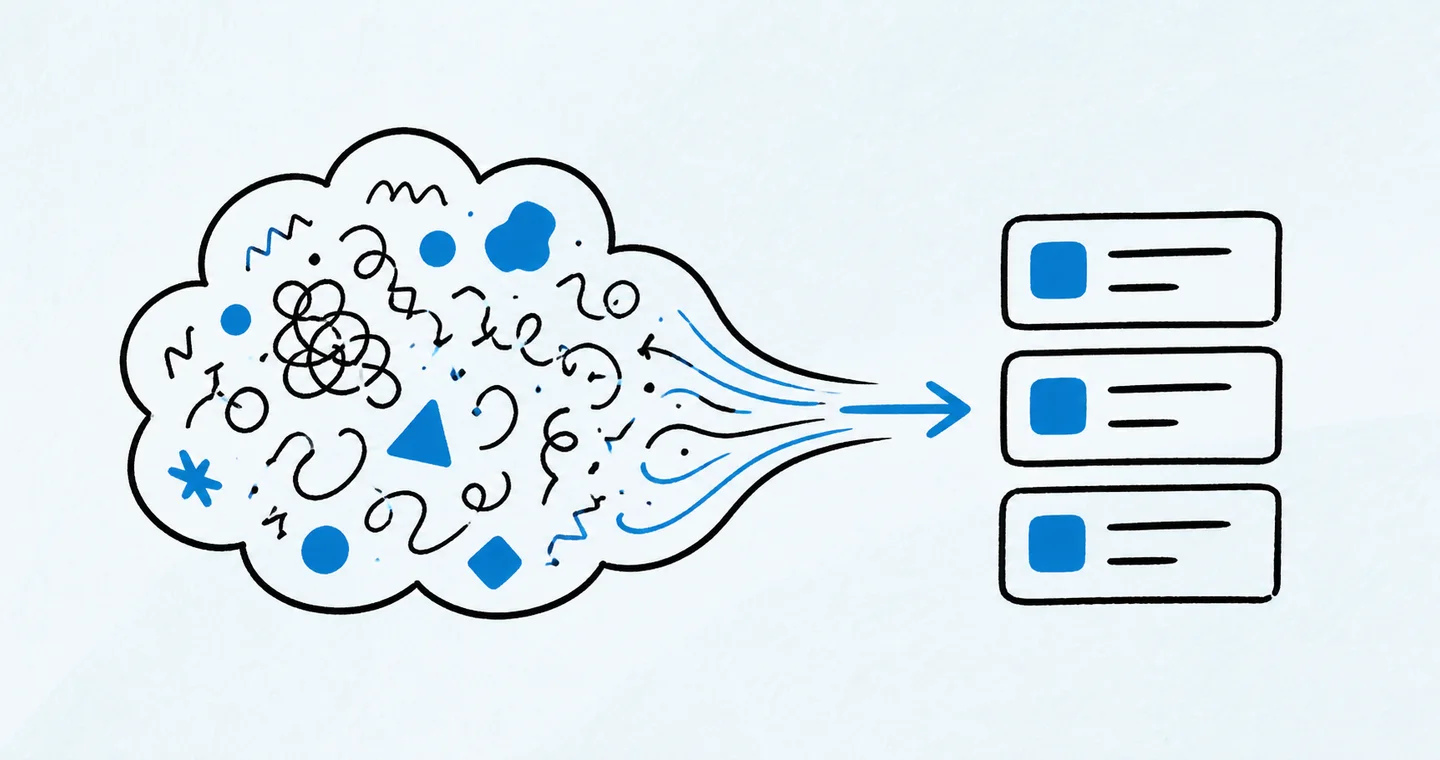
Capture loose ideas first, then group them into outcomes, tasks and reference material. Turn the actionable pieces into a project plan and schedule the next concrete step.
1. The Creative Chaos Before the Clarity
Most projects don’t start with a clear timeline or a defined scope.
They start with a mess.
You get an idea in the shower. Scribble half-thoughts in your Notes app. Jot down a list of “coulds” and “shoulds” on a post-it. Before long, you’ve got a dozen tabs open and a general sense of what you want to do—without any idea where to begin.
This is the part of the process most project management systems skip. But for freelancers and solo creatives, this messy beginning is everything.
Because if you skip over the chaos and jump straight into structure, you often build the wrong thing—or lose momentum before you even begin.
2. Why Brain Dumps Deserve a Place in Project Planning
A brain dump is more than a mental release. It’s a first-stage sorting tool.
It lets you get everything out of your head—without worrying about format, order, or judgment. It's how you externalize all the thoughts, questions, tasks, risks, and ideas circling your brain.
For solo business owners, this is gold.
No meetings. No whiteboards. No team huddle.
You are your own project lead, strategist, and creative department. And the brain dump is your internal kickoff.
3. What Makes a Brain Dump Actually Useful
Not all brain dumps are productive. Some stay scattered, chaotic, and unstructured—living forever in a random doc labeled “Stuff.”
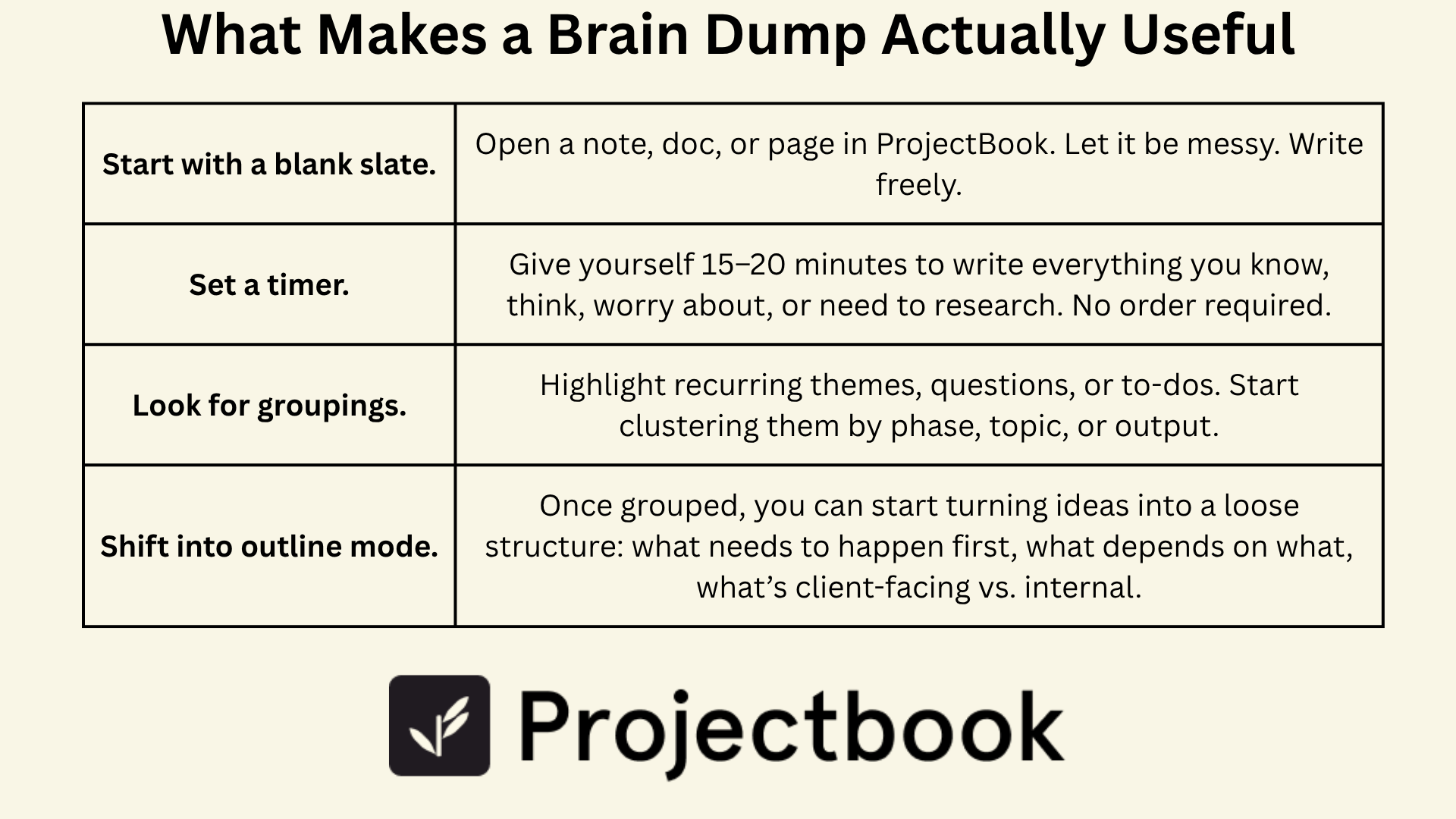
To be useful, your brain dump needs a bridge—a method for moving from thoughts to themes to actions.
Here’s what that might look like:
- Start with a blank slate. Open a note, doc, or page in ProjectBook. Let it be messy. Write freely.
- Set a timer. Give yourself 15–20 minutes to write everything you know, think, worry about, or need to research. No order required.
- Look for groupings. Highlight recurring themes, questions, or to-dos. Start clustering them by phase, topic, or output.
- Shift into outline mode. Once grouped, you can start turning ideas into a loose structure: what needs to happen first, what depends on what, what’s client-facing vs. internal.
From here, you’re ready to move into workflow mode.
4. Turning Notes into a Real Workflow
This is where creativity becomes clarity.
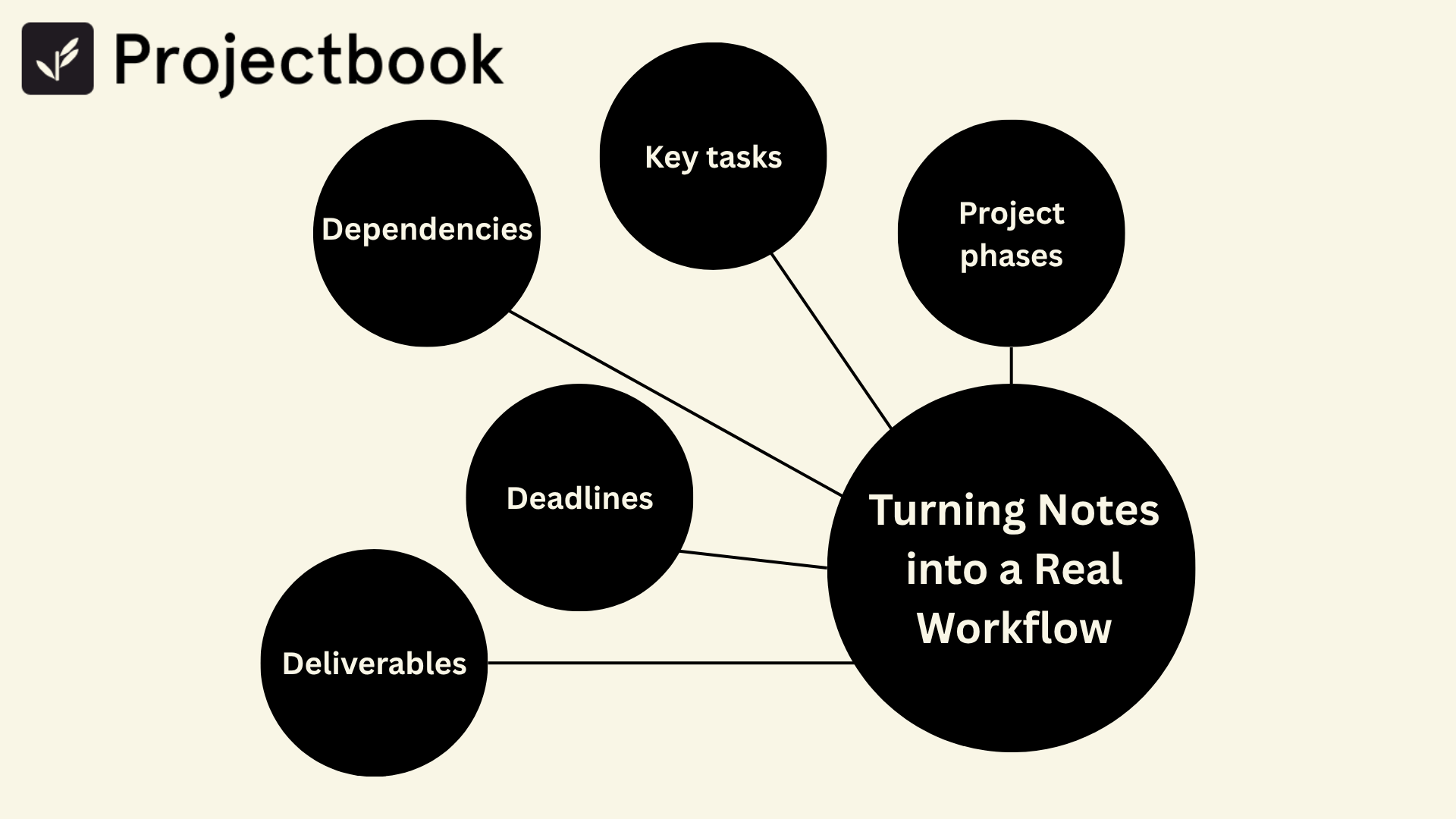
Take your grouped notes and begin defining:
- Project phases: Break the work into broad steps (e.g. Discovery → Drafting → Revisions → Delivery)
- Key tasks: Assign actual tasks to each phase—based on what you wrote, not what a template says
- Dependencies: Note which tasks rely on others (can’t design the slide until the copy is approved)
- Deadlines: Estimate how long each phase will take. Add buffer.
- Deliverables: Identify what’s getting sent to the client at each milestone
This is your roadmap—from scribbles to structure.
You don’t need to plan everything perfectly. But by shaping your brainstorm into a basic flow, you turn “I think I know what I’m doing” into “I know what’s next.”
5. The Magic of Mapping Messy to Manageable
One of the most powerful things you can do as a solo freelancer is build a workflow that honors how your brain works—not how a team software system expects you to think.
Starting with a brain dump lets you:
- Capture the spark before it fades
- Create from a place of clarity, not pressure
- Customize each project without rebuilding everything from scratch
- Stay grounded when projects grow or shift mid-way
- Reduce overwhelm and decision fatigue
Because planning doesn’t need to be perfect. It just needs to get you moving—and give you something solid to return to when the fog rolls in.
6. How ProjectBook.co Supports This Workflow
ProjectBook was built with this creative flow in mind—starting with the chaos and guiding it toward structure.
Here’s how it supports your brain dump-to-deliverable flow:
- Open a blank note in any project to start dumping ideas, risks, or tasks without worrying about formatting
- Tag ideas as “task,” “question,” or “inspiration” so you can sort later
- Turn notes into tasks with one click, assigning them to project phases or timelines
- Visualize your workflow with simple timelines or kanban-style boards that flex as you refine
- Attach deliverables to each phase, keeping your client output tied to your internal ideas
You don’t need to jump straight into structure. ProjectBook lets you start where you are—and build a workflow that evolves with the way you work.
7. FAQ: From Brainstorm to Project Execution
Do I need to do a brain dump every time?
Not necessarily. But it’s especially helpful for large, vague, or emotionally heavy projects. It clears the mental clutter so you can focus.
What if my brain dump feels too messy to use?
Start by skimming for verbs—those are usually your tasks. Then group similar ideas or sort by timeline.
Isn’t this extra work I could skip?
Maybe. But skipping it often leads to missed steps, forgotten deliverables, or confusion mid-project. A 20-minute dump up front can save hours later.
How does ProjectBook help with this?
It gives you a place to write messy, sort fast, and convert fluidly—without ever leaving your project dashboard. It bridges the gap between “idea mode” and “delivery mode.”
From ideas to a clearer week