All your calendars in one place
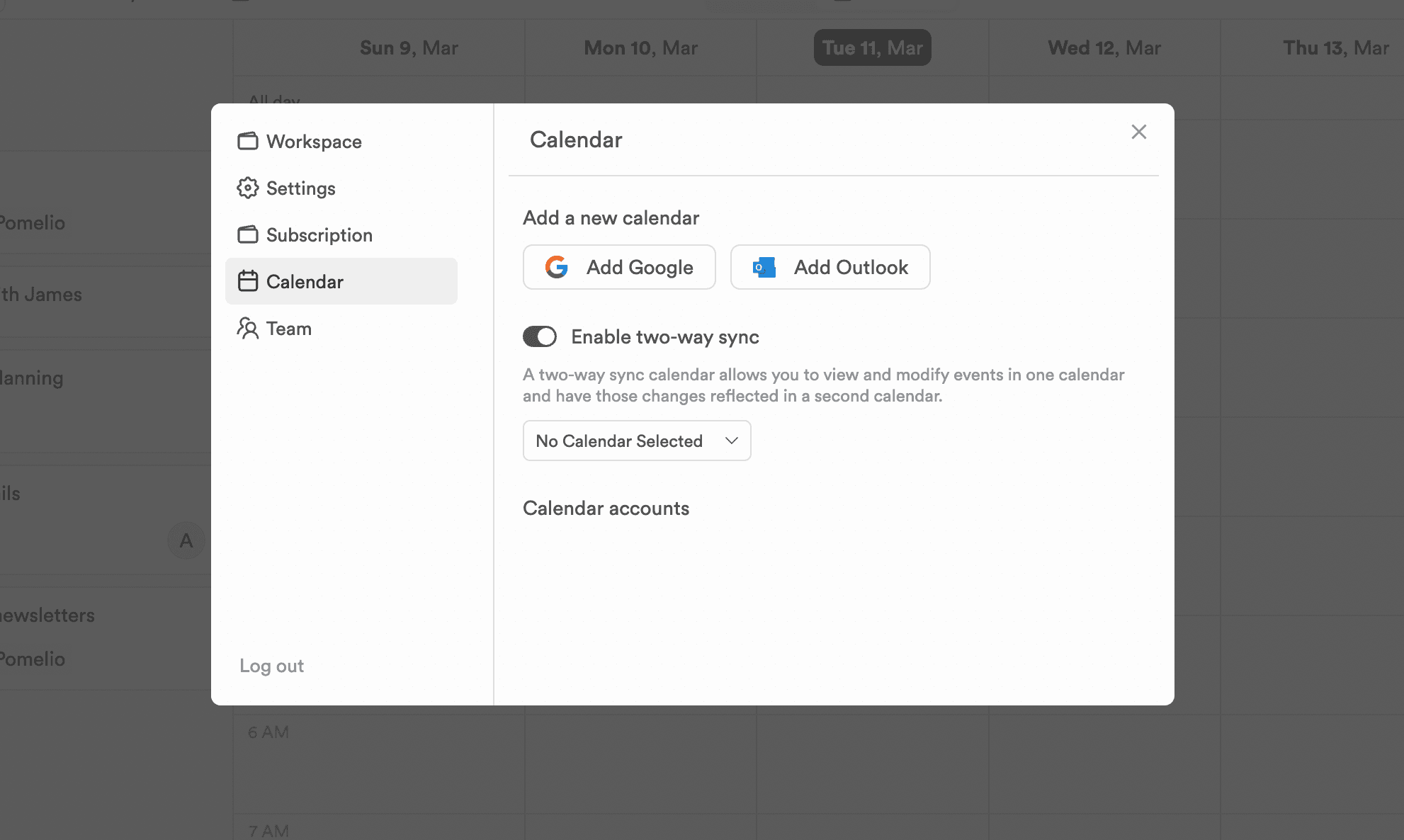
Work, personal, side project — connect Google and Outlook calendars and plan around all of them at once.
In the workflow
Three ways the week gets easier.
Keep enough structure to know what happens next, without adding a process that needs its own manager.
- 01
Google and Outlook, together
Connect accounts from both providers and their events share one view. The 9am that lives on your work calendar and the school run on your personal one finally appear side by side.
- 02
Two-way sync
Scheduled tasks can appear on your calendar, and calendar changes flow back. Move the meeting and the plan around it follows.
- 03
Plan against real availability
With every commitment visible, the free hours are the ones that are actually free. Overbooking stops being a surprise.