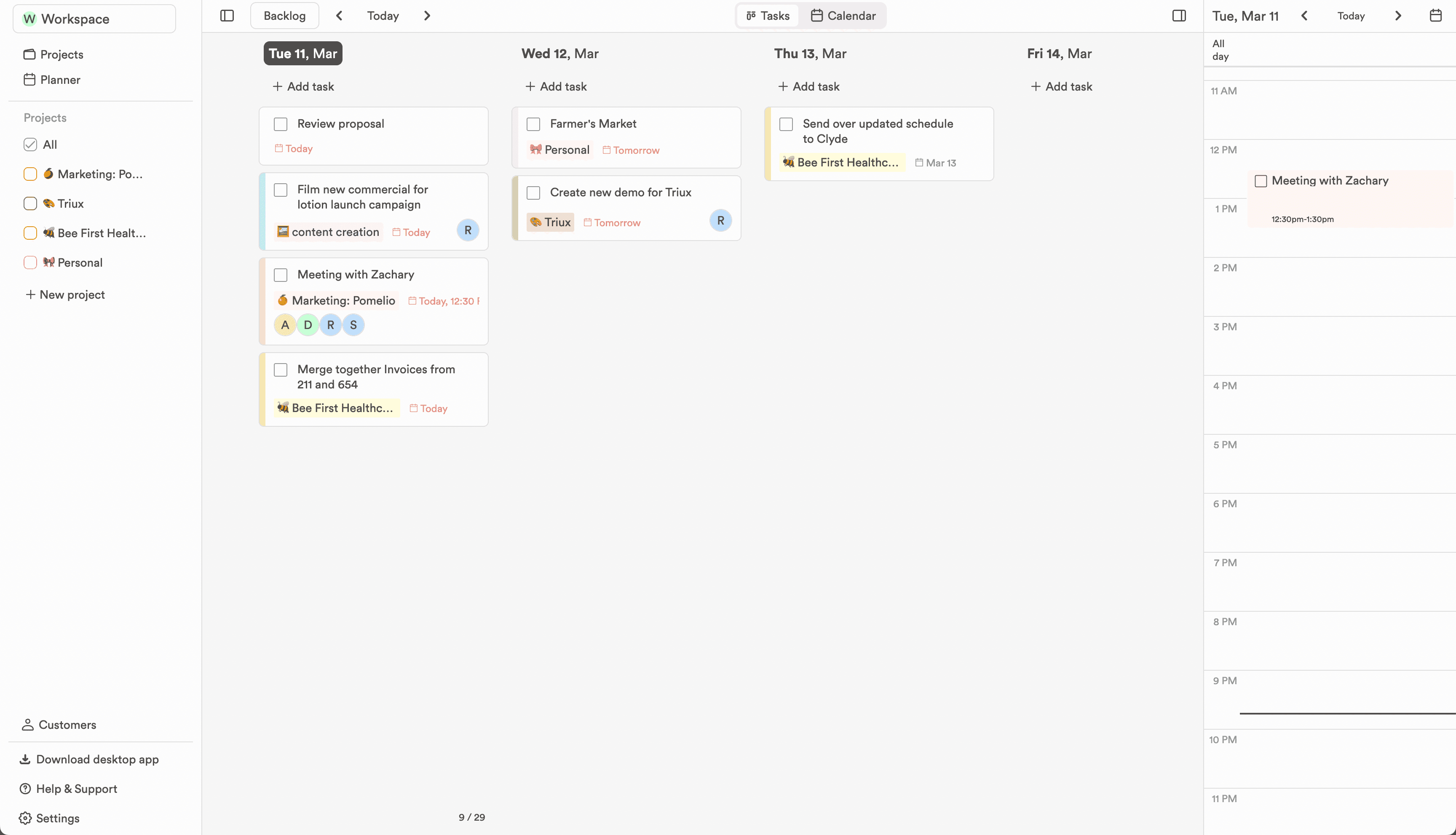
A kanban board that follows the calendar
Columns are days and cards are tasks, so dragging a card is rescheduling, not just tidying.
In the workflow
Three ways the week gets easier.
Keep enough structure to know what happens next, without adding a process that needs its own manager.
- 01
Drag between days, drop with intent
Move a card and its date moves with it. A timed task keeps its time of day; dropping into the backlog clears the schedule entirely.
- 02
Cards carry what matters
Project colour, date, recurrence and completion live on the card, so scanning a column tells you the shape of the day without opening anything.
- 03
Filter the board by project
Pick a project in the sidebar and the board narrows to it. New tasks file themselves under whatever is selected.