How to Create a Project Template That Saves You Hours Every Month
At a glance
Build templates from work you have already delivered successfully. Include repeatable tasks, review points and handoffs, then remove steps that do not apply to the next project.
What Is a Project Template and Why Do You Need One?
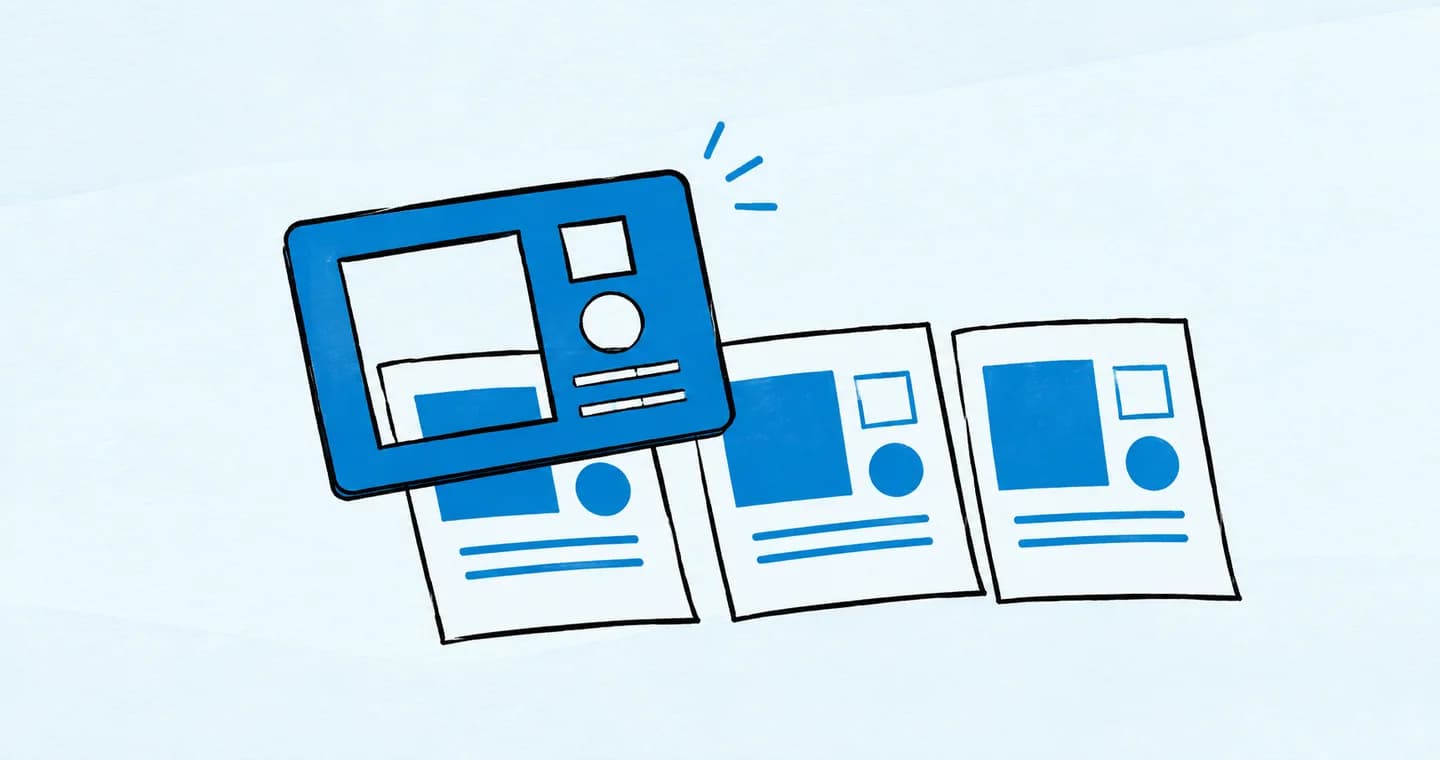
A project template is a repeatable structure you can use for every client or service-based project. It includes the common steps, tasks, documents, timelines, and notes you need to deliver a successful outcome—without starting from scratch each time.
If you offer a service that follows even a somewhat predictable process, a template can save you hours.
Think of it like this: instead of reinventing the wheel every time you onboard a client, set up a call, or deliver a final file, you just duplicate your template and customize the details.
It’s faster. It’s more consistent. And it reduces the mental load of remembering every step, every time.
Signs You’re Wasting Time Without a Template
Still on the fence? Here are some common red flags that you're operating without the systems you need:
- You write the same welcome email 10 different ways
- You forget steps mid-project and scramble to catch up
- Each project feels like reinventing the process
- You’ve missed a deliverable or deadline because of disorganized task flow
- You copy/paste old project plans into new docs just to have a starting point
Sound familiar? That’s your workflow screaming for a template.
Even if every project is slightly different, the underlying structure is usually the same. The more you templatize it, the more mental energy you save for the creative and strategic parts of your work.
What to Include in Every Great Project Template
Your project template should be detailed enough to provide structure, but simple enough to adapt. At the core, it should include:
1. Project Overview
Give yourself a space to summarize the client, deliverables, and context. This is helpful when revisiting old projects or collaborating with others.
2. Core Tasks & Milestones
List every step you take for this type of project. Example:
- Kickoff call
- Research phase
- First draft
- Review rounds
- Final delivery
- Test or launch phase
- Each of these can be broken down into subtasks with clear due dates.
3. Timeline or Suggested Deadlines
Even if your client deadlines change, having default durations for each phase keeps things realistic and managable. For example, you might set a design mockup phase at 5 business days, and a development phase to 6 days. This helps avoid the problem of scope creep and sets clear expectations for your clients.
4. Client Touchpoints
For this, you would list every place you need the client’s input or approval, such as:
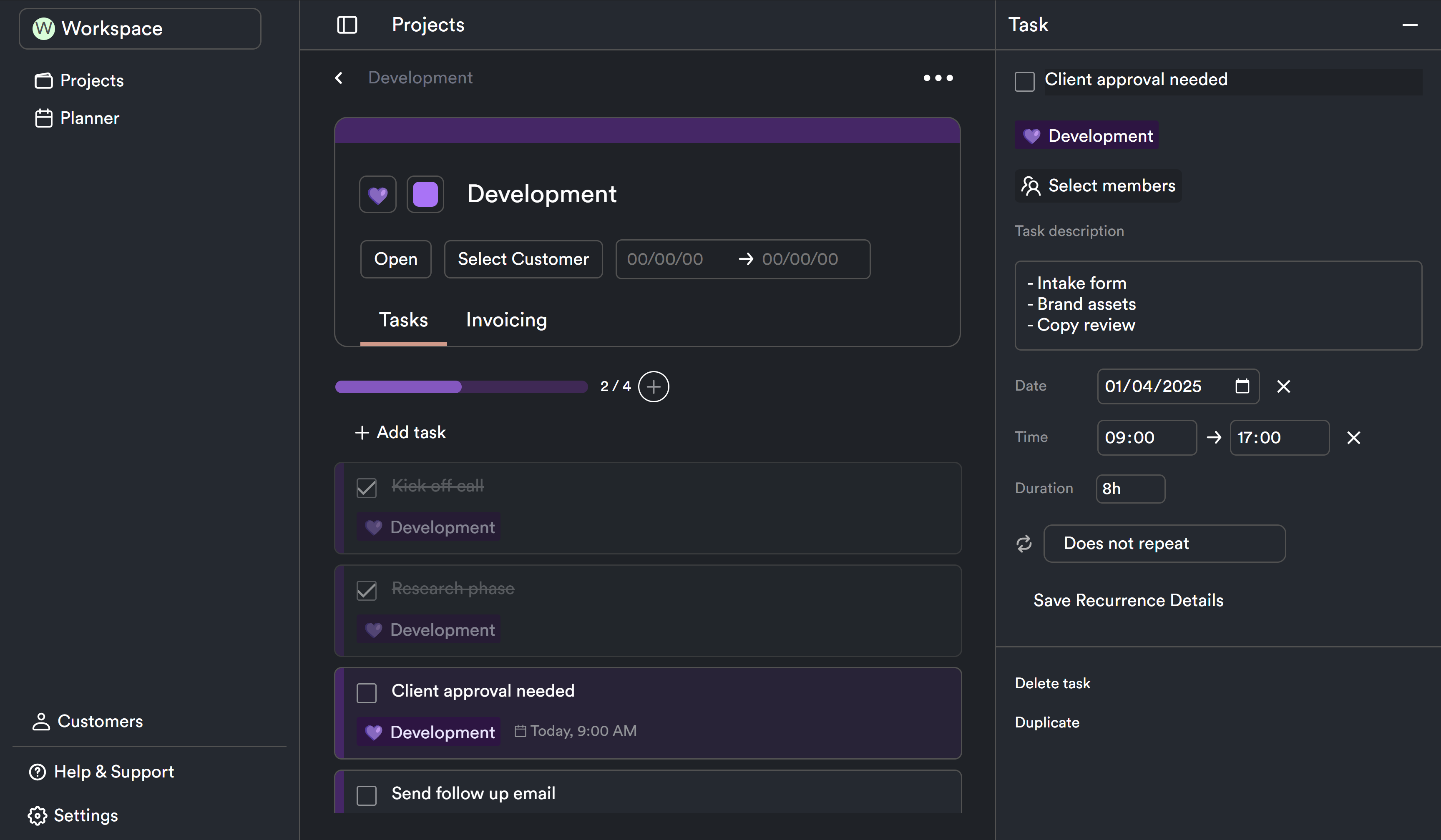
- Intake form received
- Brand assets submitted
- Copy review complete
- Final sign-off
5. Files and Docs
Make sure you attach or link:
- Proposal template
- Contract
- Onboarding guide
- Final delivery checklist
- Feedback form
6. Internal Notes or Tips
Add reminders only you see: things like “Send follow-up email on day 3” or “Watch for common scope creep here.”
How to Build a Project Template That Actually Works
You can build your template in a doc, spreadsheet, or project management tool—but the structure is what matters.
Here’s a step-by-step to do it well:
Step 1: Reverse-Engineer a Recent Project
Choose a project that went smoothly, and break it down task-by-task. What happened first? What came next? Where did the client get involved? What files did you share?
Step 2: Turn That Into a Checklist
Use your own past workflow as your guide. If you had hiccups or skipped steps, now’s your chance to smooth them out.
Step 3: Add Time Estimates
Don’t just list tasks—assign approximate durations. This makes your scheduling easier down the line.
Step 4: Customize the Template Format
Are you visual? You might prefer a kanban board. Linear thinker? A checklist view or task list might be better.
Step 5: Test and Refine
Use your template on a few upcoming projects. See what works, what’s missing, and where you need more flexibility. Treat it as a living system.
Making Your Template Flexible (So It Doesn’t Feel Rigid)
The goal of a project template isn’t to box you in—it’s to create repeatable clarity.
That means:
- Leaving space for client-specific notes or deliverables
- Using placeholder text (like [Client Name] or [Service Type]) that you can quickly update
- Adding optional steps for certain project sizes
- Keeping it modular—so you can duplicate and remove sections as needed
Think of your template like a recipe: it gives you structure, but you can still swap ingredients if needed.
Using a reusable checklist alongside ProjectBook
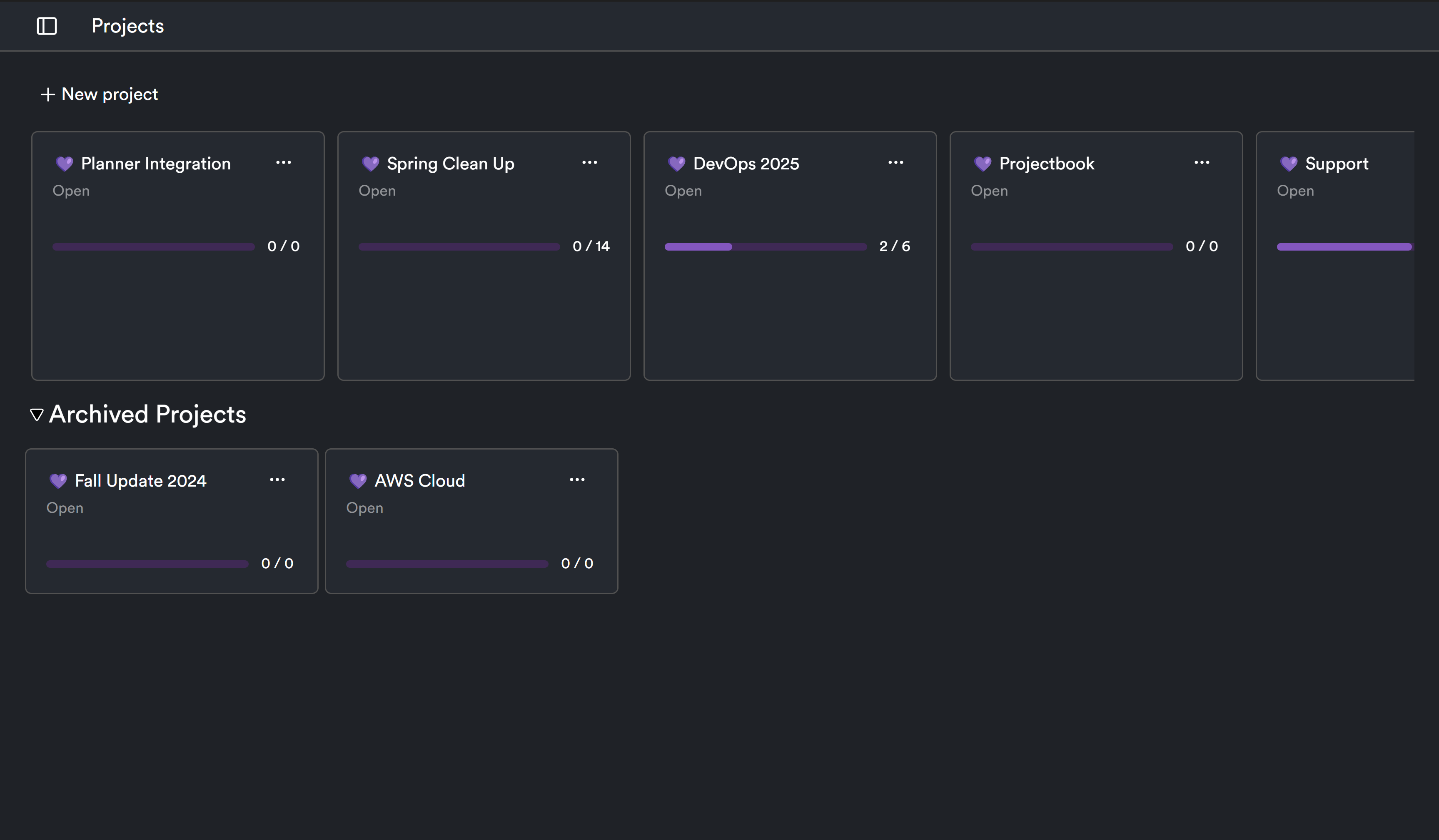
Store your master checklist in a document, then use it to create the tasks for each new ProjectBook project. Review the deliverables, dates, and customer before work begins. Keep contracts and deliverable files in your chosen document system.
For a scheduled routine, use recurring tasks. For a new client engagement, adapt the checklist deliberately: do not assume that a project, its documents, or its permissions can be duplicated automatically.
Frequently Asked Questions (FAQ)
How many project templates should I create?
Start with one per core service. If you offer branding and web design, create one for each. As you grow, you can develop variations (like a "lite" version for retainer clients).
What’s the difference between a project template and a task list?
A task list is just a list of to-dos. A project template includes tasks plus structure, documents, timelines, and internal notes—all designed to be reused and customized.
Do project templates work for creative freelancers too?
Absolutely. Designers, copywriters, photographers, and coaches can all benefit from templatizing their most common workflows.
Can I change a template after I’ve started a project?
Yes—and you should. Templates are starting points, not fixed rules. Customize as needed based on the client, scope, or complexity of the project.
How does ProjectBook.co help with project templates?
You can turn an adapted checklist into project tasks with dates, then plan that work in ProjectBook. Keep the reusable master checklist in your document system.
Final Thoughts: Templates Aren’t Just for Big Teams
You don’t need to be an agency to benefit from systems. In fact, if you’re a solo freelancer, templates are your secret weapon for scaling without working longer hours.
By creating a project template for your core services, you save time, reduce decision fatigue, and offer your clients a more professional, repeatable experience.
Want to stop reinventing the wheel every time you start a project?
Start with one reusable checklist and use your daily planner to make room for its next steps.
From ideas to a clearer week