How to Use AI to Review Project Performance and Improve Your Workflow

At a glance
Use AI to help organize project notes and spot questions worth investigating, then check its conclusions against your records. Remove confidential client information unless you have permission and appropriate safeguards.
1. Why Reviewing Project Performance Actually Matters
When you wrap up a project, it’s tempting to just celebrate, invoice, and move on. Totally understandable—especially if you’re juggling multiple clients and need to dive into the next task fast.
But if you never pause to ask “How did that go?”—you’re missing out on one of the most valuable habits for freelancers: iteration.
Looking back helps you:
- Catch repeat mistakes before they become habits
- Spot what drains your time (and what delivers results)
- Refine your process for smoother projects in the future
- Build a freelance business that evolves—not just survives
And with the right tools, AI can make that review process faster, clearer, and more actionable.
2. What AI Brings to the Table (That You Might Miss)
AI isn’t just for writing blog intros or generating images—it’s increasingly being used to analyze patterns across projects, tasks, and time.
Where humans might gloss over patterns or misremember how something went, AI tools can offer:
- Unbiased analysis: No rose-colored glasses or recency bias
- Quantitative insight: Task durations, revision counts, completion delays
- Repetition detection: Flags recurring bottlenecks or overdue stages
- Workflow visualization: Timeline reconstructions of where time was spent
- Sentiment mapping: In some tools, even client tone analysis over time
In short, AI can look at the “boring data” and turn it into useful takeaways—without you needing to manually crunch the numbers.
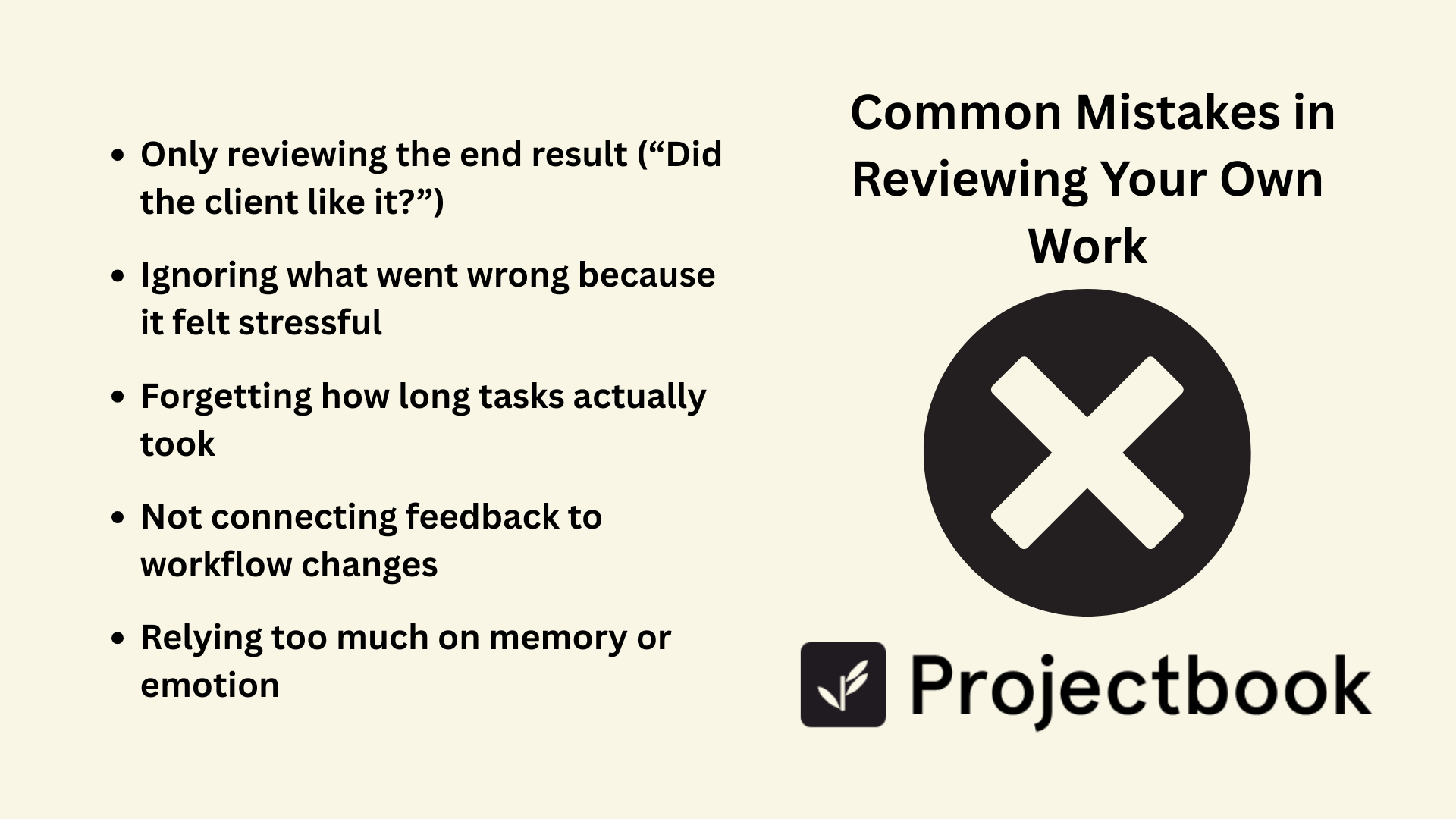
3. Common Mistakes in Reviewing Your Own Work
Even when we do look back, it’s easy to fall into these traps:
- Only reviewing the end result (“Did the client like it?”)
- Ignoring what went wrong because it felt stressful
- Forgetting how long tasks actually took
- Not connecting feedback to workflow changes
- Relying too much on memory or emotion
That’s where AI can step in—to keep you honest, grounded, and aware of patterns you might otherwise miss.
4. Where AI Can (and Can’t) Improve Your Freelance Workflow
Let’s be clear: AI won’t tell you how you felt during a project. It can’t sense if you were burned out, energized, or creatively blocked. That part is still yours to observe.
But where it can help is shining light on trends that inform how you work.
For example:
- Did you consistently underestimate editing time?
- Were revisions always triggered by the same stage or deliverable?
- Did one client have double the feedback volume of others?
- Were you more productive at certain times or days?
Pairing this data with your lived experience gives you a complete picture: the facts and the feelings. That’s the gold standard for workflow growth.
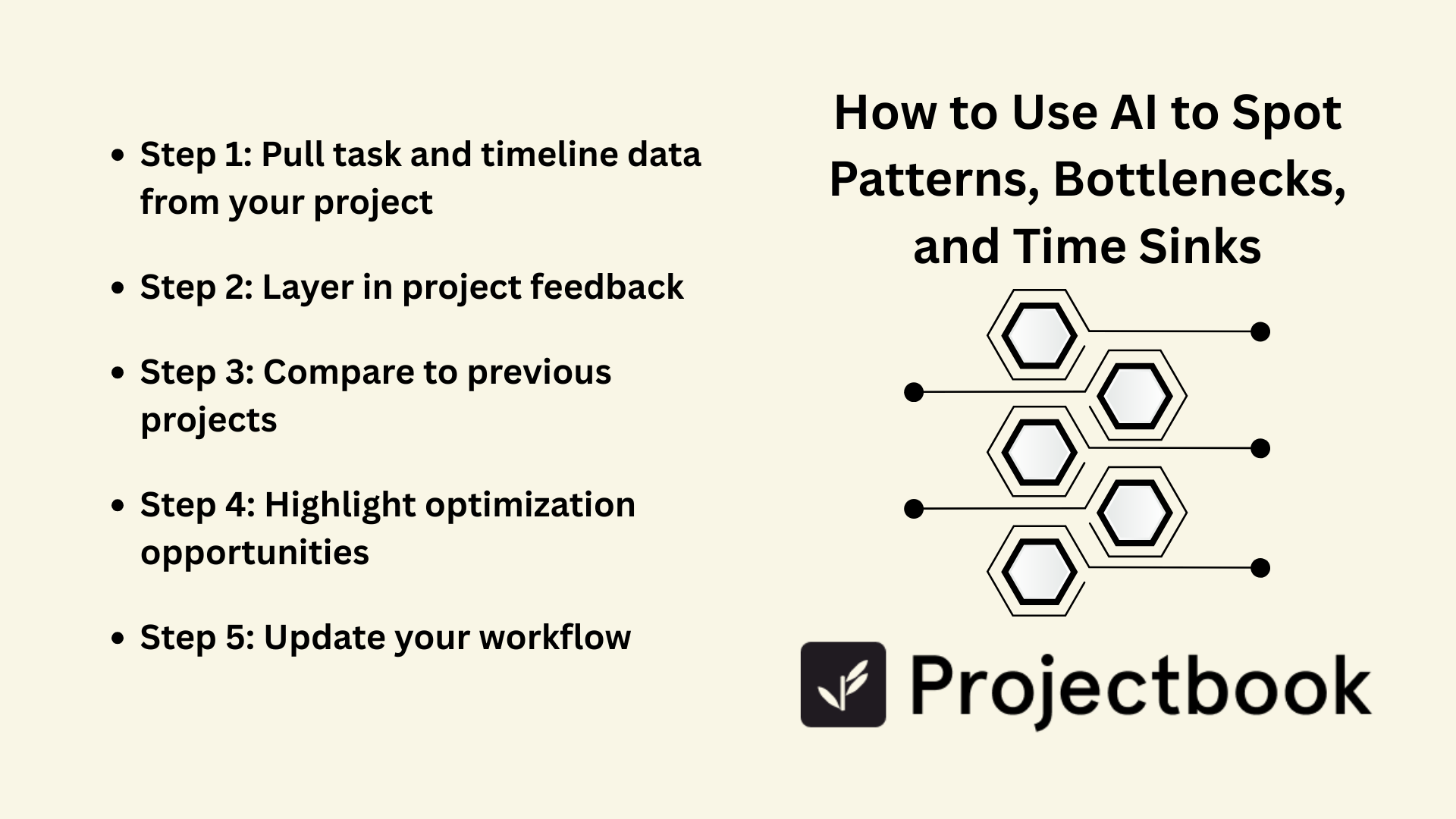
5. How to Use AI to Spot Patterns, Bottlenecks, and Time Sinks
Here’s a step-by-step example of what an AI-assisted project review might look like:
Step 1: Pull task and timeline data from your project
Let the AI scan completion dates, task durations, revisions, and client response times. It may notice that 80% of your delays were linked to waiting on feedback—not your delivery speed.
Step 2: Layer in project feedback
Some tools allow sentiment analysis of written client comments. While not perfect, this can show you which projects had higher perceived value or smoother communication.
Step 3: Compare to previous projects
Was this project faster? Smoother? Did similar issues pop up? AI can pull a high-level report comparing timelines, task overlaps, and budget adherence.
Step 4: Highlight optimization opportunities
The final output might flag areas to improve like: “Editing phase consistently exceeds estimated time by 25%,” or “You frequently duplicate tasks across projects—consider using a reusable template.”
Step 5: Update your workflow
Use this intel to refine your task templates, buffer time, or even scope language in proposals.
This is how a feedback loop becomes a flywheel.
6. Bringing It All Together in ProjectBook.co
ProjectBook helps freelancers build the kind of workflow AI can actually learn from—by giving you structure, clarity, and consistency across your projects.
Here’s how ProjectBook supports smarter reviews:
- Track all tasks with due dates, phases, and completion notes
- Tag issues like “Blocked,” “Delayed,” or “Revised” to analyze trends later
- Store client communication alongside deliverables for full context
- Compare templates and timelines across similar projects
- Soon: AI-powered insights to surface patterns and suggest workflow improvements
The more organized your workspace, the more insightful your reviews become.
And the more consistent your systems, the easier it is to scale without spinning your wheels.
7. FAQ: AI for Freelance Project Improvement
Can AI actually make me a better freelancer?
Yes—but only if you act on the insights. AI can show you patterns, but improving your workflow still takes intention and reflection.
What tools can help me analyze my freelance projects?
Platforms like ProjectBook (with task tracking + status tagging), Notion (with timeline databases), or Toggl (for time tracking) are good starts. As AI features evolve, they’ll become even more powerful for solo ops.
What if I don’t finish every project the same way?
That’s okay! AI looks for trends across similar elements. You don’t need to be perfectly consistent to benefit.
Will ProjectBook include AI-powered reviews?
Yes—our roadmap includes smarter insights to help freelancers reflect, improve, and plan future projects more effectively, based on actual performance.
Start with an end-of-week review to collect accurate project observations before asking AI to help interpret them.
From ideas to a clearer week