Airtable, Asana, Trello... or One Tool That Does It All? How to Streamline Your Workflow
At a glance
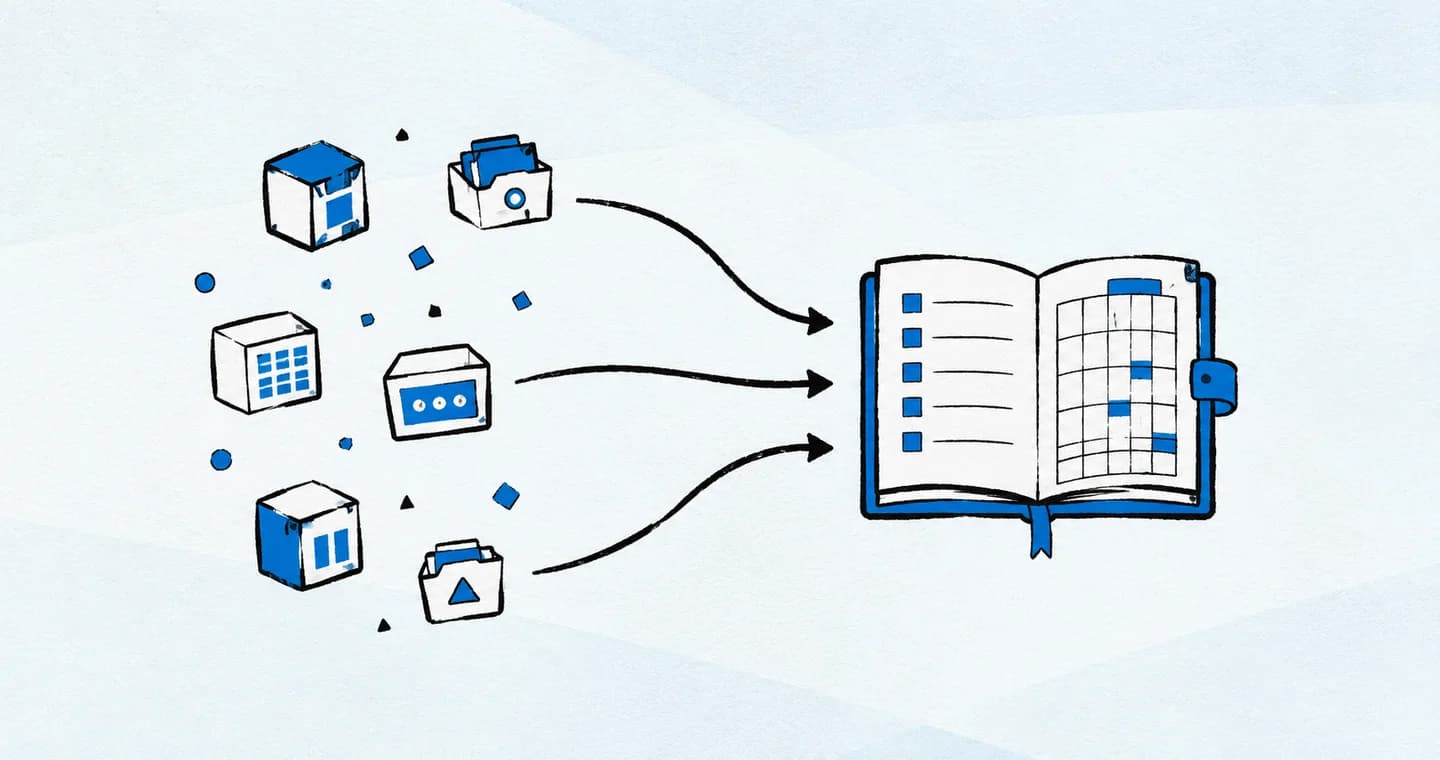
Consolidate your workflow around the jobs you actually do: capture a brief, plan deliverables, schedule work and track follow-ups. Keep specialist tools where they earn their place, and choose one reliable home for project status.
1. Why Freelancers Are Drowning in Tools
Let’s be honest: the freelance toolbox has gotten out of control.
You’ve got one platform for project management. Another for forms. A third for time tracking. Notes in Google Docs. Invoices in Wave. Contracts in HelloSign. And that doesn’t even cover your client communication.
What started as “a few helpful tools” quickly snowballs into a full-time job just managing your workflow.
Most freelancers aren’t short on motivation—they’re buried in friction. And the more tools you juggle, the harder it is to stay focused, organized, and calm.
2. Airtable, Asana, and Trello: What They’re Best At
Each of these tools has its strengths:
- Airtable is visual and customizable—great for databases, trackers, or content calendars.
- Asana is powerful for structured project workflows with task dependencies and team collaboration.
- Trello is lightweight and intuitive, perfect for visual thinkers who like boards and lists.
If you’ve used them all, you know how tempting it is to chase “the perfect setup.” But each tool tends to be great at one slice of the process—not the whole thing.
That’s where things get messy.
3. The Problem with a Frankenstein Workflow
Most freelancers end up creating a stitched-together system across platforms. You plan projects in Asana, track invoices in Notion, manage client files in Dropbox, and paste reminders in your phone’s notes app.
It might technically work. But it costs you time, attention, and sanity.
The more scattered your systems are, the harder it is to:
- Keep track of where everything lives
- Find old client notes or deliverables
- Onboard new clients quickly
- Maintain consistent workflows
- Feel in control of your business
It’s not about having more tools. It’s about having a system that fits the way you work.
4. Why Consolidation Matters (Especially for Solo Businesses)
If you’re running a solo business, your time is your biggest asset. Every tool you open, every login you manage, every folder you have to dig through is time you’re not spending on deep work—or on actual paid client work.
Consolidation isn’t just about tidiness. It’s about mental bandwidth. The less time you spend figuring out how to work, the more time you have to actually do the work.
And when everything lives in one ecosystem? You’re not context-switching. You’re moving with flow.
5. What to Look for in a “Do-It-All” Tool
You don’t need a tool that does everything. You need one that does the right things well.
For freelancers, that usually means:
- Task tracking with customizable views (list, board, timeline)
- Project timelines and deliverables in one place
- Easy storage for client notes, links, and files
- Lightweight client communication or visibility
- Templates for repeatable workflows
- A clean interface you actually want to open every day
The best tool doesn’t just look impressive—it supports how you think. It helps you move from idea to action without getting lost in the system itself.
6. Where ProjectBook fits in a smaller tool stack
ProjectBook brings projects and tasks together with a daily planner, recurring tasks, and customer records. A practical trial is to create one active project, add its next tasks, and put the work into your week.
Keep your existing billing, document storage, and specialist databases until you have tested what you need. Consolidating planning does not automatically replace those systems. Before switching, list the fields, permissions, exports, and integrations you rely on, then test a complete project from setup to completion.
7. FAQ: Streamlining Your Freelance Workflow
Do I really need to consolidate my tools?
If you’re spending more time managing your workflow than doing the work, yes. Simplifying your system gives you back energy and clarity.
What if I already use Airtable or Asana—should I switch?
That depends. If your current setup feels good and supports your flow, great! But if you’re constantly bouncing between tools, it may be time to centralize.
Will a new tool mean starting from scratch?
A switch usually requires some setup. Test a small project first, keep an export of the old system, and verify which information can be moved. Do not assume templates or workflows import automatically.
How does ProjectBook help solo freelancers specifically?
It connects customer records, projects, tasks, and calendar planning. That can help a solo freelancer decide what to work on next while keeping the client context nearby.
Final Word
You don’t need five tools to run your freelance business.
You just need one that works with you—not against you.
When your systems are scattered, your brain is scattered. But when everything lives in one calm, organized place, you get to do your best work—without the stress.
With ProjectBook.co, your projects, timelines, notes, and client tasks all live under one roof. So you can stop spending time managing the work, and start actually doing the work.
Because streamlined isn’t just more efficient—it’s more freeing.
Before moving everything, review the hidden costs of switching tools and test one project in the proposed setup.
From ideas to a clearer week